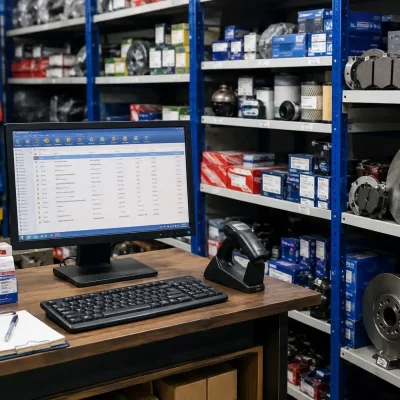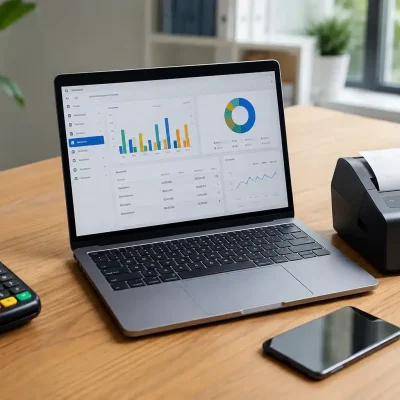
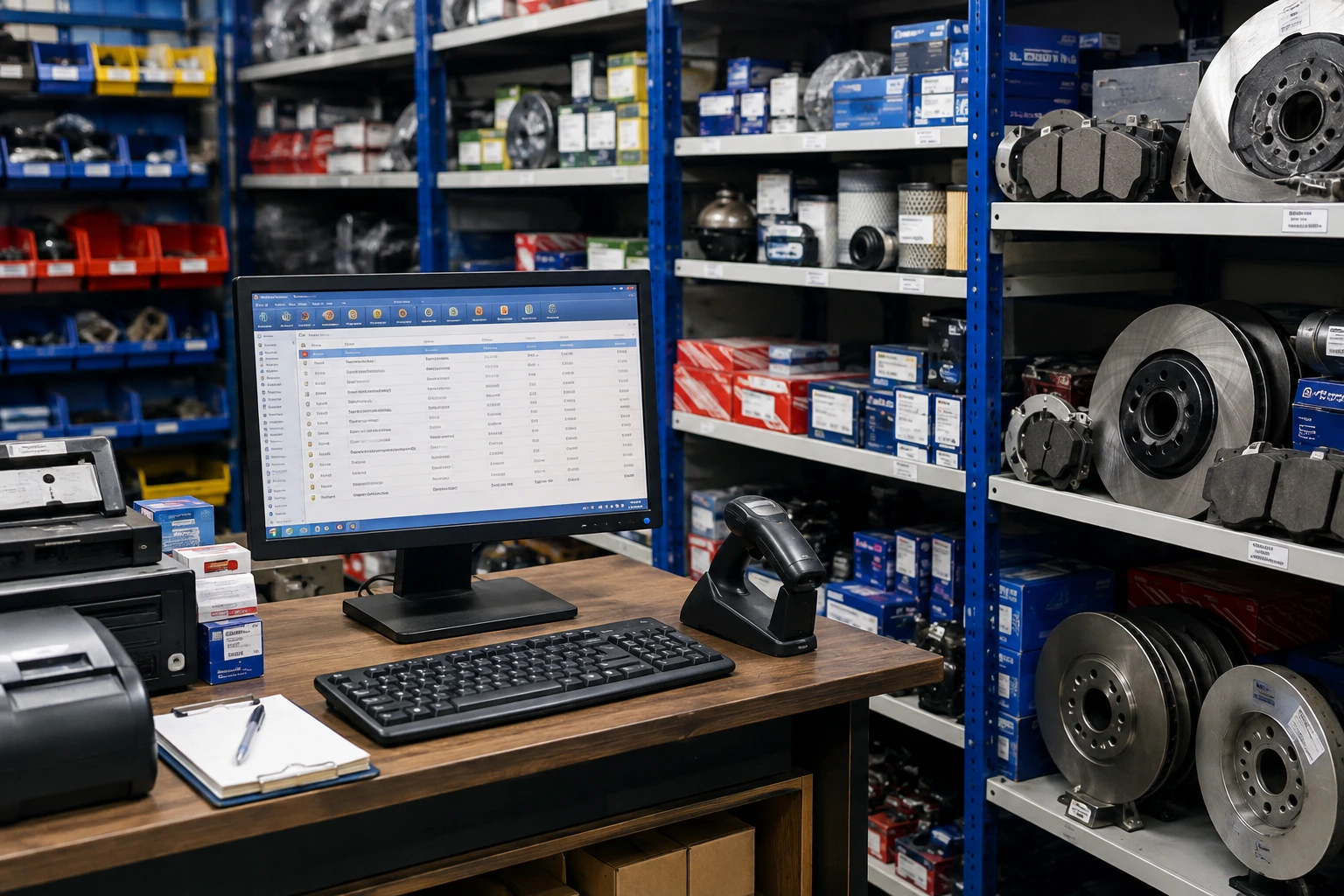
Managing auto parts inventory can become difficult very quickly. A typical spare parts shop may carry hundreds or even thousands of products, with different brands, part numbers, vehicle compatibility, prices, and stock quantities.
How to track auto parts inventory using POS software is therefore an important question for spare parts retailers that want better stock control, faster billing, and fewer inventory mistakes.
What Is Auto Parts Inventory Management?
Auto parts inventory management is the process of recording, organizing, tracking, and controlling spare parts from purchase to sale.
Unlike a simple retail product catalog, auto parts inventory can contain additional information such as:
- Part number
- SKU
- Product category
- Brand
- Model compatibility
- Vehicle make
- Vehicle year
- Purchase price
- Selling price
- Current stock
- Minimum stock level
- Supplier
- Barcode
- Warehouse or shelf location
- Stock movement history
For example, a shop may sell several brake pads that look similar but fit completely different vehicles.
Without proper product identification, a salesperson can easily select the wrong item. A POS system can help organize these products and make product searches faster and more accurate.
Why Is Auto Parts Inventory Difficult to Manage?
Auto parts businesses face inventory challenges that many ordinary retail stores do not.
A single shop can have thousands of SKUs, while the same type of part may come from several manufacturers.
For example, a brake pad category might include:
| Product | Brand | Vehicle | Stock |
|---|---|---|---|
| Brake Pad BP-101 | Brand A | Toyota Corolla | 12 |
| Brake Pad BP-102 | Brand B | Toyota Corolla | 7 |
| Brake Pad BP-103 | Brand C | Honda Civic | 4 |
| Brake Pad BP-104 | Brand A | Suzuki Swift | 9 |
If this information lives in notebooks, spreadsheets, or separate files, checking availability can take time.
However, with POS inventory management, staff can search for the part, check available stock, confirm the price, and create the sale from the same system.
How to Track Auto Parts Inventory Using POS Software
The process becomes much easier when inventory is structured correctly from the beginning.
1. Create a Detailed Product Catalog
Start by entering every auto part into the POS system.
Avoid using vague product names such as:
- Brake Pad
- Oil Filter
- Headlight
- Engine Belt
Instead, create product records with enough information to identify the exact item.
For example:
Product Name: Front Brake Pad
Part Number: BP-TY-101
Brand: Brand A
Vehicle: Toyota Corolla
Model Year: 2020–2024
SKU: BRK-00125
Selling Price: Rs. 6,500
Opening Stock: 15
This structure makes searching and reporting much easier.
2. Assign SKUs and Part Numbers
SKU management is particularly important for auto parts stores.
A SKU gives each product a unique internal identity. The manufacturer’s part number can also remain attached to the product record.
For example:
- SKU: OIL-0021
- Part Number: OF-154
- Product: Toyota Oil Filter
- Brand: Brand A
This prevents confusion when several products have similar names.
It also helps staff find the correct product quickly during billing.
3. Use Barcode Scanning
Barcode scanning can significantly reduce manual product entry.
Instead of typing a long product name or part number, staff can scan the barcode and immediately retrieve the product record.
The POS can then display:
- Product name
- Available quantity
- Selling price
- Brand
- Part number
- Other stored product details
This reduces typing mistakes and speeds up checkout.
For busy auto parts shops, even a few seconds saved on every transaction can make a noticeable difference during the day.
4. Record Every Purchase
Inventory accuracy starts when stock enters the business.
Whenever you purchase parts from a supplier, record the purchase in the POS system.
For example, suppose your shop receives:
- 20 oil filters
- 10 air filters
- 15 brake pads
- 8 fan belts
The purchase transaction should increase the relevant inventory quantities.
This creates a reliable connection between purchasing and inventory.
Instead of manually changing stock numbers, the system can calculate the updated quantity based on recorded transactions.
5. Update Inventory Automatically After Sales
This is one of the biggest advantages of POS-based inventory management.
Suppose your shop has 25 units of a particular oil filter.
A customer purchases 3.
After the sale:
Opening stock: 25
Sold: 3
Remaining stock: 22
The inventory record should reflect the new quantity.
This means your staff does not have to maintain a separate stock notebook after every sale.
A properly configured POS system connects billing with inventory so that sales transactions contribute to stock movement records.
6. Set Minimum Stock Levels
Running out of a fast-moving part can mean losing a sale.
For this reason, define minimum stock levels for important products.
For example:
| Part | Current Stock | Minimum Level | Action |
| Oil Filter | 18 | 10 | Normal |
| Brake Pad | 7 | 8 | Reorder |
| Air Filter | 25 | 10 | Normal |
| Fan Belt | 4 | 6 | Reorder |
When stock falls below the defined level, staff can review the item and prepare a purchase order.
This approach is more reliable than waiting until a customer asks for a product that is no longer available.
7. Monitor Fast-Moving and Slow-Moving Parts
Not every auto part sells at the same speed.
Some products may sell every day, while others may remain on the shelf for months.
A POS system can help you analyze sales activity and identify:
Fast-moving inventory
These are products that sell frequently and may require regular replenishment.
Slow-moving inventory
These products sell less frequently and may need closer purchasing control.
Dead stock
These are products that have remained unsold for an extended period.
This information can help you make better purchasing decisions.
Instead of buying more of everything, you can focus your budget on products with stronger demand.
How Can POS Software Help Track Vehicle Compatibility?
Vehicle compatibility is one of the most important challenges in auto parts inventory management.
Customers often ask questions such as:
- Do you have brake pads for Toyota Corolla?
- Which oil filter fits Honda Civic?
- Do you have this part for Suzuki Alto?
- Which belt fits this model?
- Is this part compatible with the 2022 version?
A well-structured POS product database can store vehicle-related information alongside the product.
For example:
Product: Air Filter AF-202
Compatible Vehicles:
- Toyota Corolla
- Toyota Yaris
- Toyota Vitz
Brand: Brand A
Part Number: AF-202
Instead of searching through shelves or notebooks, the salesperson can search the product catalog and check the available stock.
This does not replace professional mechanical verification where compatibility requires technical confirmation. However, it can make product lookup considerably faster.
How Does POS Software Track Stock Movement?
Inventory management is not only about knowing the current quantity.
You also need to understand why the quantity changed.
A good inventory system should help you review stock movements such as:
- Purchases
- Sales
- Sales returns
- Purchase returns
- Stock adjustments
- Damaged products
- Transfers between locations
- Opening stock
For example:
Opening Stock: 50
Purchase: +20
Sales: -15
Customer Return: +2
Damaged Stock: -1
Current Stock = 56 units
This history gives business owners a clearer picture of inventory activity.
How to Manage Auto Parts Inventory Across Multiple Locations
If your business has more than one branch, inventory management becomes even more important.
Suppose you have:
Branch A: 5 units
Branch B: 18 units
Warehouse: 40 units
A centralized POS system can help you understand where the stock is located.
Instead of telling a customer that a product is unavailable, staff can check whether another branch or warehouse has it.
This can also help businesses make better transfer decisions.
For example, if Branch A regularly sells a particular brake pad while Branch B has excess stock, you may decide to transfer some units instead of purchasing additional stock.
How POS Reports Help Auto Parts Shop Owners
Inventory reports turn raw transactions into useful business information.
Depending on the POS system, useful reports can include:
Stock Report
Shows current quantities across products.
Sales Report
Shows which parts are selling and how much revenue they generate.
Purchase Report
Shows products purchased from suppliers during a selected period.
Stock Movement Report
Shows how inventory quantities changed.
Low Stock Report
Highlights products approaching their minimum stock levels.
Profit Report
Helps compare purchase costs with selling prices.
Product-Wise Sales Report
Shows sales performance for individual parts.
These reports help owners make purchasing decisions based on actual business data rather than guesswork.
Practical Example: Tracking Inventory in a Spare Parts Shop
Consider a spare parts shop that stocks 1,500 different products.
Before using POS inventory management, the owner relies on manual records.
A customer asks for a particular Toyota brake pad.
The salesperson checks the shelf and finds none.
Later, the owner discovers that three units were actually available in another storage area, but the stock records were not updated.
This creates two problems:
- The shop may lose a sale.
- The owner may unnecessarily purchase more stock.
Now consider the same shop using POS inventory management.
The salesperson searches the part number.
The system shows:
Part: Toyota Brake Pad
Part Number: BP-202
Available Stock: 3
Location: Warehouse Shelf B-14
The salesperson can confirm availability before searching through the entire store.
That is the practical value of digital inventory tracking.
What Features Should You Look for in Auto Parts POS Software?
Not every POS system is suitable for a spare parts business.
When comparing solutions, look for features such as:
- Real-time inventory tracking
- SKU and part number management
- Barcode scanning
- Product search
- Vehicle compatibility information
- Purchase management
- Sales and returns
- Low-stock alerts
- Supplier management
- Stock adjustment
- Multi-location inventory
- Inventory reports
- Sales reports
- Profit analysis
- Customer management
- Hardware integration
- Offline functionality where required
The right combination depends on the size and workflow of your business.
For example, a small spare parts shop may primarily need billing, stock tracking, purchasing, and barcode scanning. A larger distributor may also require warehouse management, multiple locations, advanced reporting, and more detailed supplier controls.
Common Auto Parts Inventory Mistakes to Avoid
Even good software cannot fix poorly maintained inventory data.
Avoid these common mistakes.
Using Duplicate Product Records
Creating the same part multiple times can make stock reports inaccurate.
Ignoring Part Numbers
Product names alone may not be enough to distinguish similar parts.
Not Recording Purchases
If incoming stock is not entered correctly, your inventory balance will quickly become inaccurate.
Making Uncontrolled Stock Adjustments
Frequent manual adjustments can hide the real reason behind inventory differences.
Buying Based Only on Guesswork
Use sales history and stock reports to understand demand before purchasing large quantities.
Ignoring Slow-Moving Inventory
Money tied up in unsold stock can affect cash flow.
Skipping Physical Stock Counts
Digital records should still be compared with actual stock periodically.
Best Practices for Accurate Auto Parts Inventory
For better results, combine POS technology with disciplined inventory procedures.
Keep Product Information Consistent
Use a standard format for product names, SKUs, brands, and part numbers.
Barcode Products Where Practical
Scanning helps reduce manual entry and speeds up transactions.
Perform Regular Stock Counts
Compare physical inventory with system quantities and investigate differences.
Review Low-Stock Reports
Check replenishment reports regularly instead of waiting for products to run out.
Analyze Sales Trends
Look at weekly and monthly sales patterns before placing large purchase orders.
Track Returns Properly
A returned product should affect inventory according to its actual condition. A damaged return should not automatically go back into sellable stock.
Control User Access
Staff should only have access to the functions they need. This can help reduce unauthorized changes to prices or inventory.
Review Dead Stock
Identify parts that have not sold for a long period and decide whether to discount, return, transfer, or discontinue them.
How OneClick POS Helps Auto Parts Businesses
OneClick POS is designed to help auto parts and spare parts businesses manage billing, inventory, product information, and reporting from one system.
Its Auto Parts POS solution supports complex parts catalogs, inventory tracking, barcode scanning, low-stock monitoring, sales reporting, and multi-location operations.
For businesses that need a more structured approach to inventory, you can also explore the Auto Parts POS System from OneClick.
The system can help businesses manage:
- Auto spare parts
- Car accessories
- Bike parts
- Truck parts
- Garage supplies
- Industrial machinery parts
- Vehicle customization products
The goal is simple: give staff faster access to product information while giving owners better visibility into inventory and sales.
Frequently Asked Questions
Can POS software track auto parts inventory?
Yes. POS software can track inventory by product, SKU, barcode, part number, purchase, sale, return, and stock adjustment. The exact capabilities depend on the POS solution.
How does POS software reduce auto parts inventory errors?
It reduces manual data entry by connecting sales and inventory transactions. Barcode scanning, structured product records, purchase entries, and stock reports can also reduce common tracking mistakes.
Can an auto parts POS system track part numbers?
Yes. A suitable auto parts POS system can store manufacturer part numbers alongside internal SKUs and product information. This makes it easier for staff to search for specific parts.
Can POS software track vehicle compatibility?
Some auto parts POS systems can store vehicle make, model, year, and compatibility information with product records. This can make product searches faster, although technical compatibility should still be verified when necessary.
Can POS software manage multiple auto parts branches?
Yes, POS systems with multi-location inventory features can help businesses monitor stock across branches or warehouses. This can make stock transfers and replenishment decisions easier.
How often should an auto parts shop perform physical stock counts?
The ideal schedule depends on the size and risk of the inventory. Many businesses use regular cycle counts for important or fast-moving items and conduct broader physical counts periodically. The key is to investigate differences rather than simply changing the system quantity.
Is barcode scanning useful for spare parts shops?
Yes. Barcode scanning can make product identification and billing faster while reducing errors caused by manually entering long product names or part numbers.
Final Thoughts: Better Inventory Starts With Better Tracking
Learning how to track auto parts inventory using POS software is not simply about replacing a notebook with a computer.
The real benefit comes from connecting your products, purchases, sales, stock movements, and reports in one organized system.
With the right setup, an auto parts business can:
- Know what is currently in stock
- Find products faster
- Track part numbers and SKUs
- Monitor fast-moving products
- Identify slow-moving inventory
- Reduce stock shortages
- Improve purchasing decisions
- Track inventory across locations
- Make billing faster
- Use sales data to manage stock more effectively
However, software works best when the underlying inventory data remains accurate. Start with clean product records, consistent SKUs, proper purchase entries, barcode scanning where practical, and regular physical stock checks.
If you are looking for a POS solution to manage auto parts inventory, billing, purchasing, and sales reporting, OneClick POS can help you build a more organized inventory workflow.
Ready to simplify your Qr-Code based inventory management? Contact Eyecon Consultant for a free demo and see how the system can fit your spare parts business.