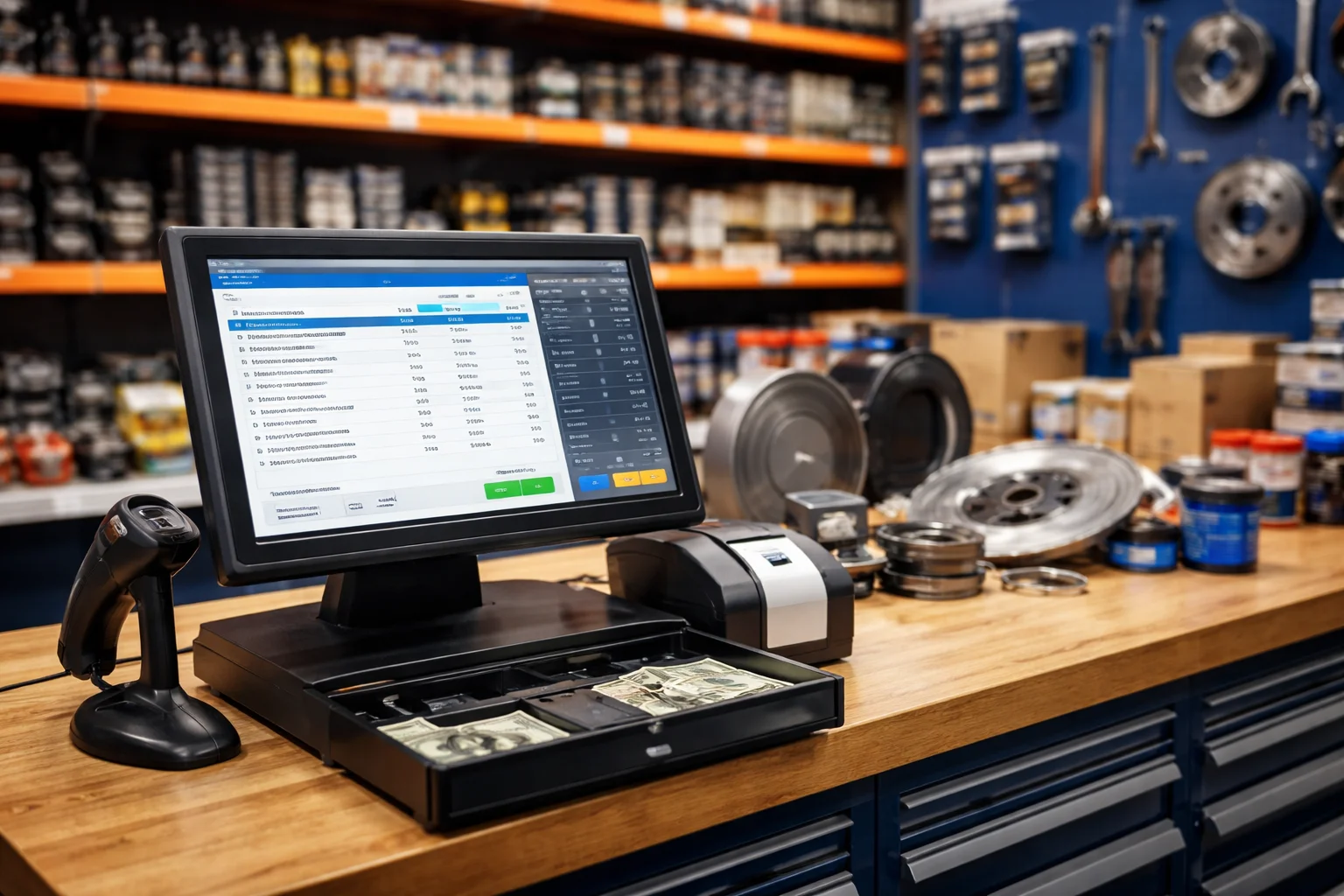
Running an auto parts store involves many challenges. From managing hundreds of spare parts to ensuring fast customer checkouts and accurate tax filing, daily operations can quickly become overwhelming. Fortunately, an Auto Parts POS & Billing System simplifies these tasks, allowing store owners to save time, reduce errors, and improve customer satisfaction.
Moreover, by integrating this system, you can streamline billing, track inventory efficiently, and maintain full tax compliance. Below, we explain the main benefits and why your store needs this solution.
1. Faster and Accurate Checkouts
First, an Auto Parts POS & Billing System speeds up checkouts while reducing mistakes. Manual billing often leads to long queues and frustrated customers. However, with a POS system, you can:
- Instantly add items using barcode scanning
- Apply prices, taxes, and discounts automatically
- Generate accurate receipts in seconds
Consequently, customers experience smoother transactions, which increases loyalty and encourages repeat visits. In addition, staff can focus on assisting customers rather than manually calculating totals.
2. Efficient Inventory Tracking
Moreover, managing thousands of auto parts can be challenging. Fortunately, an Auto Parts POS & Billing System provides real-time inventory tracking so you can:
- Monitor stock levels continuously
- Receive alerts for low or expired inventory
- Analyze sales patterns to optimize purchasing
As a result, your store maintains optimal stock levels, reduces losses, and ensures popular items are always available. Additionally, this system helps plan restocking more efficiently, avoiding unnecessary overstocking.
3. Simplified Tax Compliance
In addition, tax compliance can be complicated. Handling multiple product categories and VAT or sales tax rules manually often causes errors. However, a POS system ensures proper tax management by:
- Automatically calculating taxes on each sale
- Creating detailed reports for tax filing
- Integrating with government tax systems
Thus, your business saves time, avoids penalties, and focuses on growth. Furthermore, accurate reporting gives confidence during audits and inspections.
4. Enhanced Reporting and Insights
Another major advantage is enhanced reporting. An Auto Parts POS & Billing System provides insights that help your store make better decisions. For example, you can track:
- Top-selling auto parts
- Daily, weekly, and monthly sales trends
- Supplier performance and stock turnover
Consequently, your decisions become more strategic, and your store can operate efficiently while maximizing profits. Additionally, understanding sales patterns helps identify slow-moving items for discounts or promotions.
5. Improved Customer Experience
Finally, an Auto Parts POS & Billing System enhances the customer experience. Features like loyalty programs, service reminders, and fast invoicing help build trust. Therefore, customers are more likely to return, boosting sales and improving your store’s reputation. Moreover, satisfied customers often recommend your store, generating new business opportunities.
Conclusion
In summary, an Auto Parts POS & Billing System streamlines checkouts, manages inventory, ensures tax compliance, and provides actionable insights.
At OneClick, we provide customized auto parts POS solutions that save time, reduce errors, and help your store grow. Contact us today to implement a system tailored to your business needs and take your operations to the next level.