If you’re running a shop, pharmacy, supermarket, or restaurant, you’ve probably heard the term POS software many times. But before choosing any system, you need to understand what is POS software, how it works, and why it has become essential for every business in 2026. As the business world becomes faster and more competitive, companies now need smarter tools to manage daily operations. Because of this shift, POS software is no longer optional—it’s a must.
In this guide, you’ll learn what is POS software, its features, benefits, pricing, and the best POS systems available in 2026, so you can confidently choose the right one for your business.
What Is POS Software?
POS software (Point of Sale software) is a digital solution that helps businesses handle billing, sales, inventory, customer data, reporting, and financial records. Whenever a customer buys something, the system instantly records the sale, updates stock, prints a receipt, and stores the transaction for future reporting.
It’s a complete business management system that makes your day-to-day operations faster, easier, and more accurate.
How POS Software Works
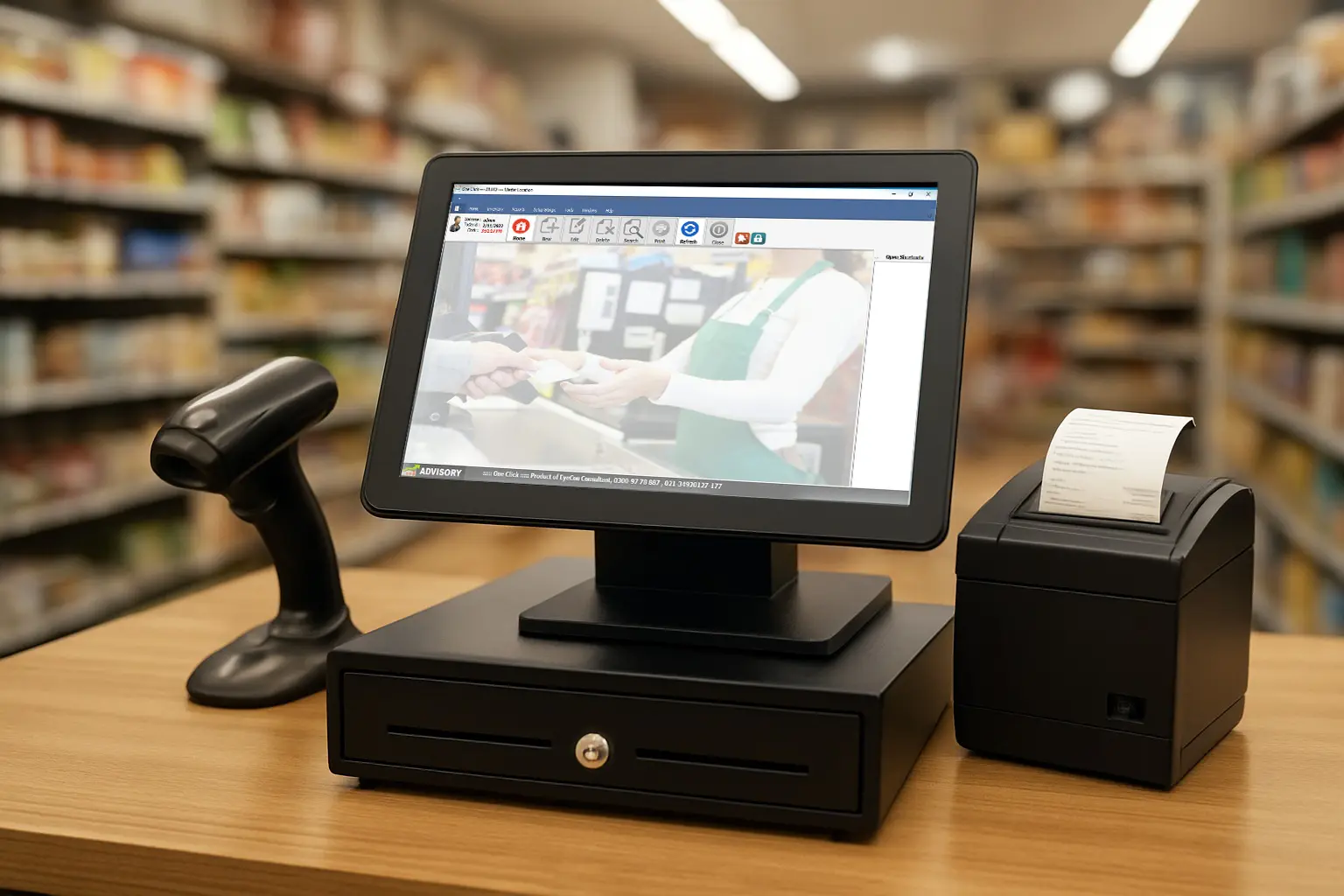
Although the system looks simple on the screen, a lot happens in the background. A POS setup usually includes:
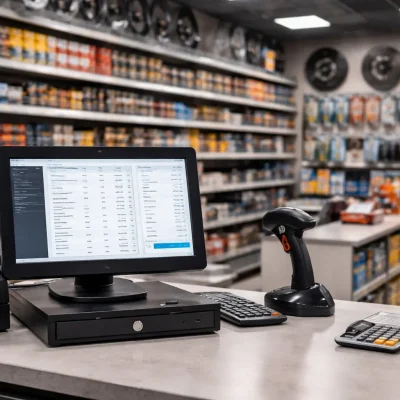
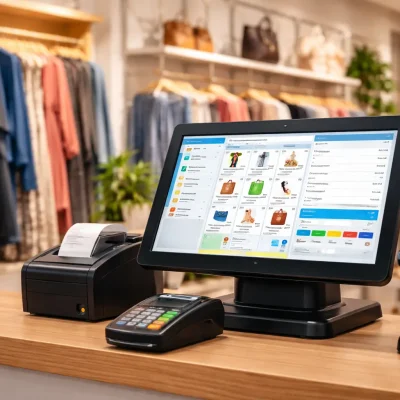
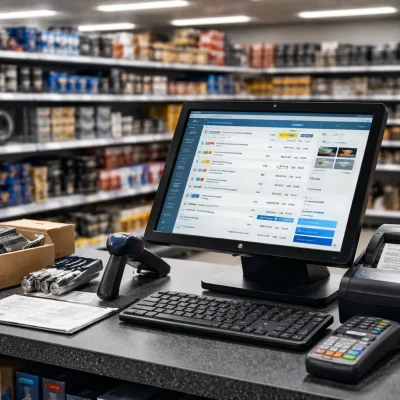
- Hardware: Computer/tablet, barcode scanner, receipt printer, and cash drawer
- Software: The POS application (cloud-based or installed locally)
- Database: Stores products, stock, customers, expenses, and reports
Here’s how it works step-by-step:
- You scan or select a product.
- The system displays the price and stock quantity.
- The customer pays using cash, card, or digital payment.
- A receipt prints immediately.
- Stock reduces automatically.
- Sales and reports update in real time.
This smooth process helps you serve customers faster and run your business more efficiently.
Key Features of POS Software in 2026
Modern POS systems are becoming smarter each year. Therefore, most businesses prefer automated solutions instead of manual work. Below are the most important features available in 2026:
1. Fast Billing & Checkout
Quick checkout reduces waiting time and improves customer satisfaction.
2. Real-Time Inventory Management
You can easily track stock, receive alerts, manage batches, and reduce losses. Additionally, barcode and RFID support makes inventory almost effortless.
3. Customer Management (CRM)
POS software stores customer history, loyalty points, and buying patterns, which helps you create targeted marketing campaigns.
4. Supplier & Expense Management
Instead of writing everything manually, you can record payments, purchases, dues, and returns digitally.
5. Advanced Reporting
You get clear insights such as:
- Daily and monthly sales
- Profit & loss
- Stock valuation
- Employee performance
- Top-selling items
These reports help you make smarter business decisions.
6. Multi-Branch & Cloud Sync
If you operate multiple stores, cloud sync keeps everything updated in real time, no matter where you are.
7. E-commerce Integration
Online store and physical shop data stay synced automatically, which saves time and reduces errors.
8. FBR Integration (Pakistan)
You can easily create FBR-compliant invoices and stay updated with the latest regulations.
9. Barcode & RFID Support
With these tools, your checkout becomes faster and your inventory remains accurate.
10. Secure Backup
Cloud storage ensures your data stays protected even if your device gets damaged.
Benefits of POS Software for Your Business
If you’re still thinking what is POS software and why do I need it, here are the benefits:
1. Improved Efficiency
Since many tasks are automated, you save time and reduce human error.
2. Accurate Inventory Control
Real-time stock tracking helps you avoid shortages and expired items.
3. Faster Billing
Quick checkout means more sales, especially during rush hours.
4. Better Business Insights
With detailed reports, you can plan smarter promotions and manage expenses effectively.
5. Reduced Theft & Mismanagement
Every sale and adjustment is recorded, which increases transparency.
6. Enhanced Customer Experience
Loyalty features, discounts, and quick service encourage customers to return.
7. Legal Compliance
FBR integration ensures tax compliance without extra effort.
POS Software Pricing in 2026
Prices vary depending on features, user limits, and whether you choose cloud or desktop software.
Pricing Breakdown:
| Plan Type | Cost (Monthly) | Includes |
|---|---|---|
| Basic | PKR 1,500 – 3,000 | Billing, inventory, basic reporting |
| Standard | PKR 3,000 – 6,000 | CRM, barcode, expenses, multi-user |
| Advanced | PKR 6,000 – 12,000 | Cloud sync, multi-branch, e-commerce, accounting |
| Enterprise | PKR 50,000+ (one-time or subscription) | Custom modules, RFID, manufacturing, API |
Hardware cost: PKR 40,000 – 100,000 depending on quality.
Although prices differ, choosing the right system can save you far more in the long run.
Best POS Software Systems in 2026
To help you choose faster, here are the top POS systems for 2026:
1. OneClick POS (Pakistan)
Perfect for:
- Pharmacies
- Retail & garment shops
- Supermarkets
- Wholesalers
- General stores
It includes cloud sync, FBR integration, mobile analytics, and RFID support.
2. Square POS (Global)
Ideal for small businesses needing simple payments and billing.
3. Lightspeed POS
Great for large retailers and multi-store operations.
4. Shopify POS
Best for businesses combining online and offline sales.
5. Vend POS
A flexible cloud-based POS for medium-sized businesses.
Which POS Software Should You Choose?
Choosing the right POS system depends on your business type, required features, and future goals. For small stores, a basic POS might be enough. However, large or growing businesses should choose cloud-based POS with advanced automation, multi-branch support, and FBR compliance.
So, if your main question is still what is POS software and which system fits my business, the simplest way to decide is to compare your needs with your long-term business plan.
Conclusion
A modern POS system can transform your business by making daily operations faster, more organized, and fully automated. Now that you understand what is POS software, its benefits, features, and top systems for 2026, you can confidently move towards smarter business management.
At OneClick, we help businesses grow by providing fast, reliable, and fully FBR-integrated POS software designed for retail, pharmacy, supermarket, and wholesale stores. If you want a powerful POS system that boosts sales, improves inventory accuracy, and simplifies operations—contact us today to get your free demo!