Running a retail or grocery store in Pakistan can be challenging, especially when you have to manage billing, inventory, and tax compliance at the same time. However, the right POS software features can simplify daily operations and help your business grow steadily. In this guide, we’ll discuss the most important POS software features that make store management easier, faster, and more profitable.
1. Fast Billing and Invoicing
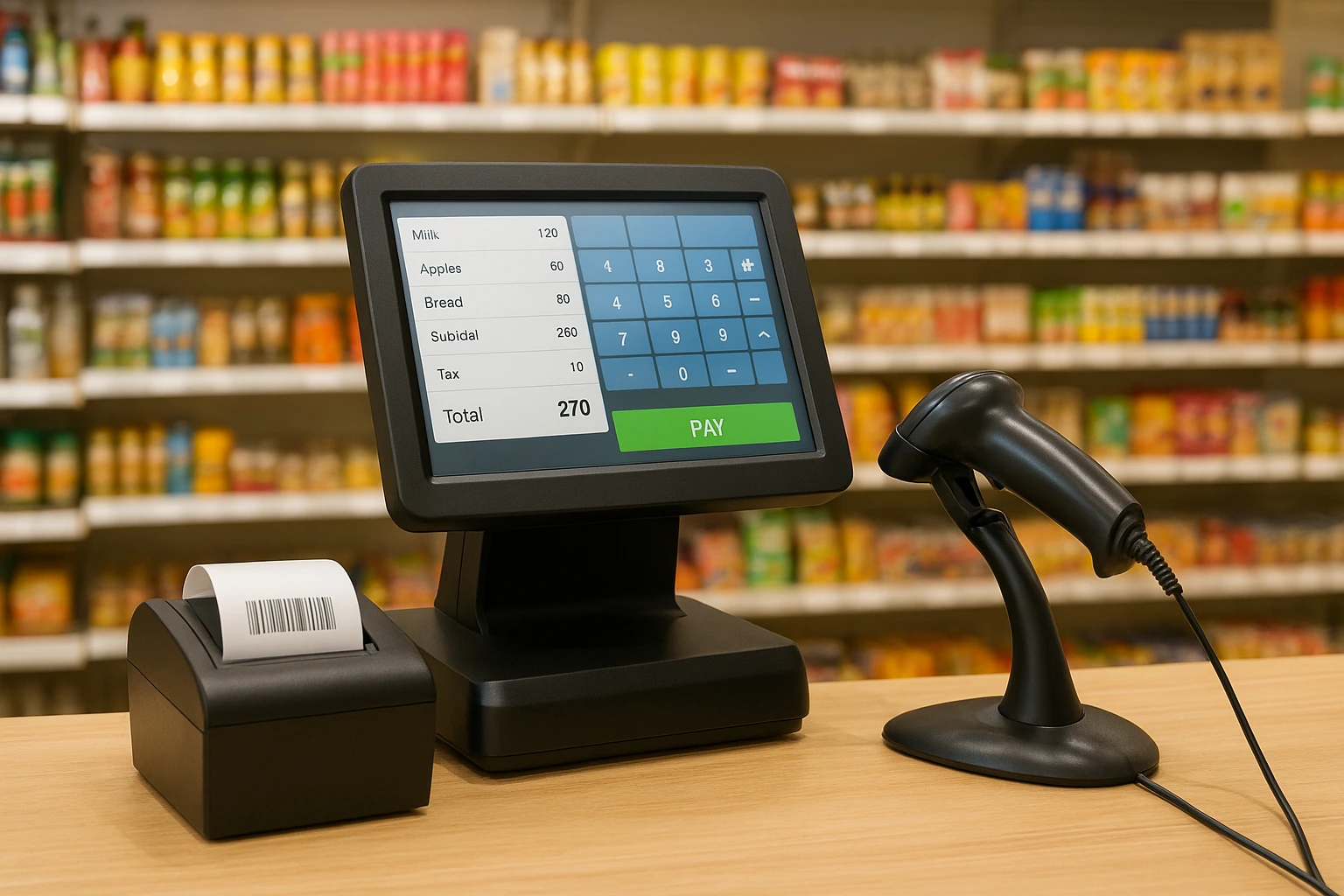
One of the most essential POS software features is a fast and reliable billing system. With this feature, retailers can scan barcodes quickly, apply discounts, and print invoices instantly. As a result, checkout lines move faster, and customers enjoy a smoother shopping experience. Furthermore, quick billing helps prevent manual entry errors, which can save both time and money.
2. Real-Time Inventory Tracking
Real-time inventory control is another vital POS software feature that every store should have. Since stock levels update automatically after each sale, you always know exactly what’s available. In addition, you receive low-stock alerts and expiry notifications for grocery products. Consequently, you can plan restocking in advance and avoid unexpected shortages.
3. Barcode and QR Code Integration
Speed and accuracy are crucial in retail, and barcode scanning makes that possible. Among the most useful POS software features, barcode and QR code integration help you process sales faster. Moreover, QR code payments are becoming increasingly popular in Pakistan, so offering this option enhances customer convenience and modernizes your store operations.
4. FBR-Compliant Invoicing
For Pakistani businesses, compliance with the Federal Board of Revenue (FBR) is absolutely necessary. Therefore, an advanced POS software feature includes built-in FBR-compliant invoicing. This ensures that each transaction follows FBR guidelines and integrates smoothly with official systems. Ultimately, you maintain legal compliance and customer confidence.
5. Multiple Payment Options
Customers today expect flexibility, and that’s why multiple payment support is one of the most convenient POS software features. Whether shoppers prefer paying with cash, card, or mobile wallets, your POS system should handle them all. Consequently, you provide greater payment flexibility and improve customer satisfaction.
6. Customer Loyalty and CRM Tools
Customer loyalty programs and CRM tools are among the most powerful POS software features in modern retail. Not only do they track customer purchases, but they also allow you to offer reward points, discounts, and personalized promotions. As a result, you can strengthen customer relationships and boost repeat sales over time.
7. Cloud-Based Multi-Store Management
If you run multiple outlets, cloud-based synchronization becomes an essential POS software feature. It enables you to manage all your stores from one central dashboard. Moreover, you can easily compare sales reports, monitor inventory across branches, and apply pricing changes instantly. Therefore, this feature simplifies management and enhances consistency across locations.
8. Smart Reports and Analytics
Data-driven decisions lead to smarter growth. That’s why detailed reporting is one of the most valuable POS software features. You can review daily sales summaries, track your best-selling products, and identify seasonal demand trends. Furthermore, visual dashboards provide instant insights, making it easier to plan marketing campaigns and stock adjustments.
9. Supplier and Purchase Management
Efficient supplier control is vital, especially for grocery stores. A robust POS software feature for supplier management lets you generate purchase orders, record deliveries, and monitor supplier performance. In addition, it keeps your supply chain organized and reduces the chances of missing items or duplicate entries.
10. Secure User Roles and Permissions
Security is often overlooked, yet it’s one of the most crucial POS software features for business safety. With role-based access control, you can limit who has permission to adjust prices, delete invoices, or access reports. Consequently, you minimize the risk of misuse and ensure full accountability across your staff.
11. Integrations with Accounting and E-Commerce
A modern POS system should not work in isolation. Instead, it should integrate seamlessly with accounting tools, e-commerce platforms, and weighing scales. This POS software feature saves time, avoids double data entry, and keeps your business records consistent. Moreover, integration ensures smooth operation between online and offline channels.
12. User-Friendly Interface and Language Support
A user-friendly interface makes all the difference. One of the most practical POS software features is bilingual language support in Urdu and English. As a result, your staff can learn the system quickly, reducing training costs. Additionally, a clean and intuitive dashboard helps minimize human error during busy business hours.
Conclusion
In conclusion, investing in the right POS software features can transform how your retail or grocery business operates. From faster billing and better inventory control to complete FBR compliance, these features improve efficiency, accuracy, and profitability.
At OneClick, we provide powerful POS solutions designed specifically for retail and grocery stores in Pakistan. Our system includes all the essential POS software features, including billing, reporting, and inventory control.