In today’s competitive market, knowing everything you need to know about POS software is essential for running a successful business. Whether you manage a retail store, restaurant, pharmacy, or e-commerce platform, the right POS system can speed up sales, improve inventory management, and provide valuable insights for decision-making.
This updated 2025 guide covers everything you need to know about POS software, from must-have features to pricing and setup, so you can choose the right solution for your needs.
What is POS Software?
Understanding everything you need to know about POS software starts with the basics. POS software is the central system for processing sales, recording payments, and managing business operations.
In 2025, top POS solutions offer more than billing—they include cloud integration, mobile access, FBR (Federal Board of Revenue) compliance in Pakistan, and advanced analytics for smarter decision-making.
Key Features in Everything You Need to Know About POS Software
When learning everything you need to know about POS software, the features are the heart of the decision. Here’s what to look for in 2025:
1. Sales & Billing
- Barcode scanning for quick checkouts
- Support for cash, card, and digital wallets
- Instant receipt printing or email invoicing
2. Inventory Management
- Real-time stock tracking
- Low-stock alerts to avoid shortages
- Bulk product uploads for faster setup
3. Customer Management
- Store purchase history for each customer
- Offer loyalty programs and targeted discounts
- Send promotional SMS or email campaigns
4. FBR Compliance (Pakistan-specific)
- Real-time invoice reporting to FBR
- Automatic digital receipt generation
- Compliance with all tax regulations
5. Reports & Analytics
- Detailed daily and monthly sales summaries
- Product performance tracking
- Profitability insights for better strategies
6. Cloud & Mobile Access
- Manage your business from anywhere
- Keep data synced across multiple locations
Pricing in Everything You Need to Know About POS Software
Another part of everything you need to know about POS software is cost. Pricing depends on your business type, features, and setup requirements.
| POS Type | Pricing Model | Estimated Cost (PKR) |
|---|---|---|
| Cloud-Based | Monthly Subscription | PKR 3,000 – 10,000/month |
| On-Premise | One-Time License | PKR 50,000 – 150,000+ |
| Hybrid | Subscription + Hardware | PKR 7,000 – 15,000/month |
💡 Tip: Free POS software often lacks features like FBR compliance or advanced reporting, making paid options a better choice for growing businesses.
Setup Process in Everything You Need to Know About POS Software
Setting up a POS system is straightforward if you follow these steps:
1. Choose the Right POS Software
Match your industry, budget, and compliance requirements.
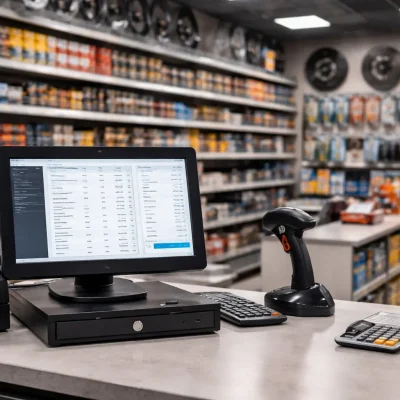
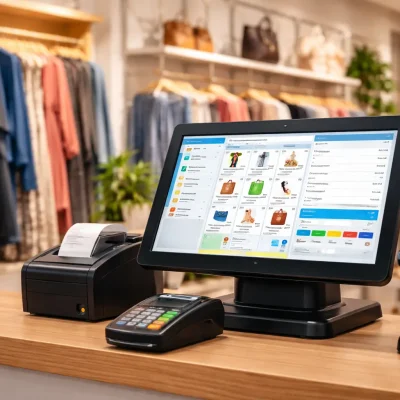
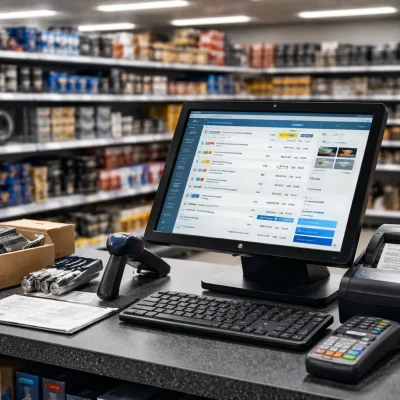
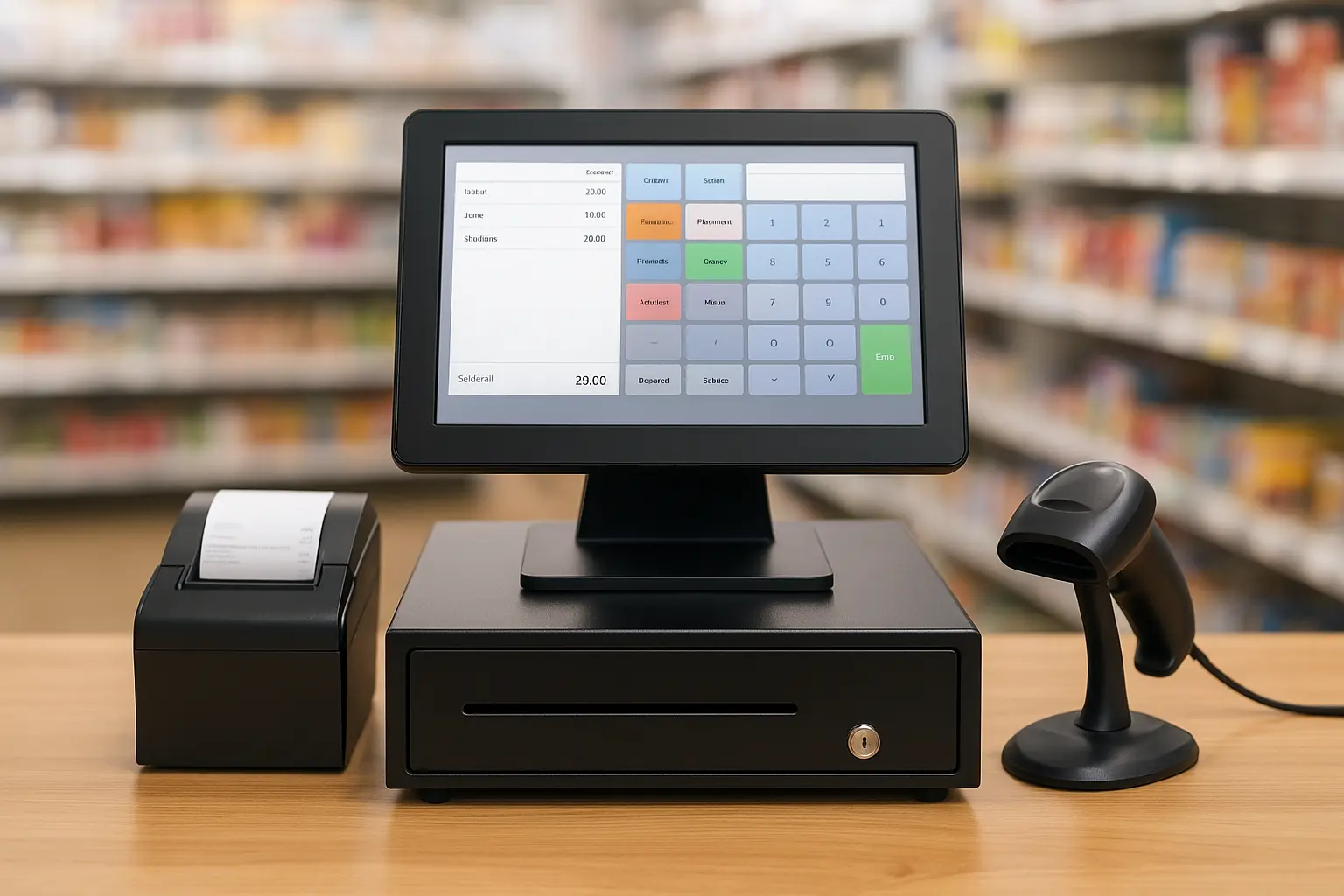
2. Get the Required Hardware
- POS terminal or computer
- Barcode scanner
- Receipt printer
- Cash drawer
3. Install & Configure
Add products, set tax rates, and assign user roles.
4. Train Your Staff
Teach them how to handle sales, returns, and discounts.
5. Go Live & Monitor
Track reports and make adjustments for smoother operations.
Why Everything You Need to Know About POS Software Matters in 2025
Choosing the right POS software can:
- Speed up transactions
- Improve inventory accuracy
- Increase customer satisfaction
- Keep your business compliant
- Provide real-time insights
In 2025, businesses that invest in advanced POS solutions gain a clear competitive advantage.
Final Thoughts
Now you know everything you need to know about POS software—from features and pricing to setup tips. With the right POS system, you can streamline operations, improve compliance, and make smarter business decisions.
At OneClickPOS, we deliver advanced, FBR-compliant POS software designed for retail, restaurants, pharmacies, and more. Our expert team ensures smooth setup, training, and ongoing support. Contact us today to book your free demo and see how our POS solutions can transform your business.