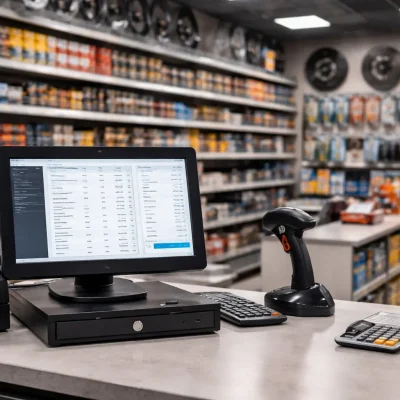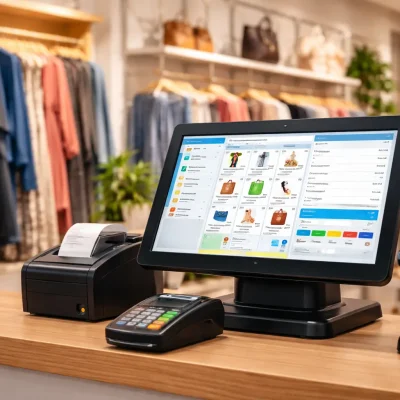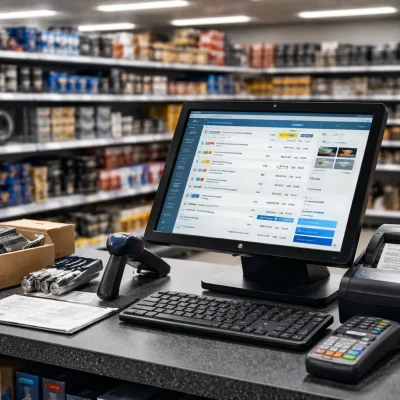
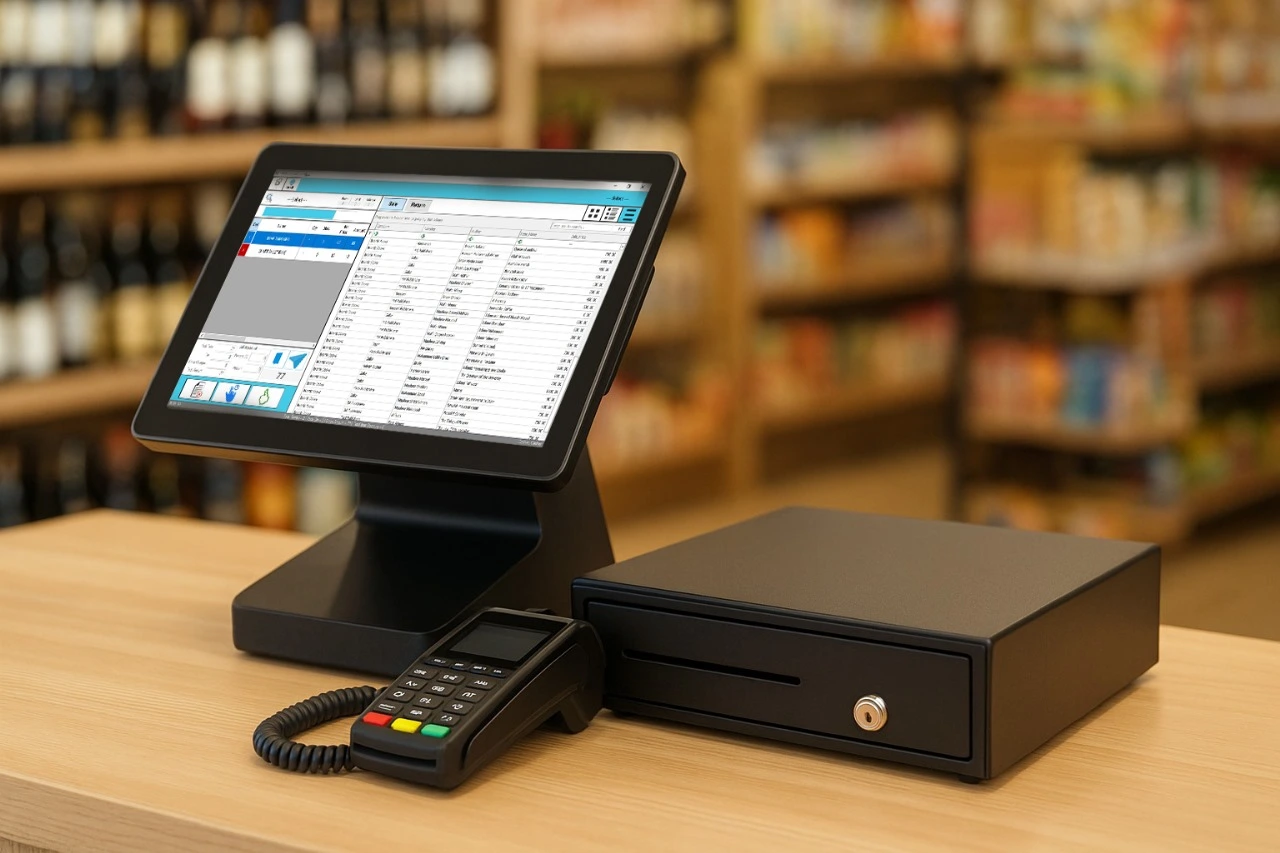
In today’s competitive world, every business needs a smart and reliable POS (Point-of-Sale) system to manage daily operations efficiently. Whether you run a retail shop, restaurant, or pharmacy, choosing the best POS software for businesses can transform the way you sell, track, and grow. However, with so many options available, finding the right one can feel confusing. That’s why this guide will help you understand what makes a POS system truly effective and how to pick the perfect one for your needs.
Why You Need a POS System
A POS system does much more than record sales. It helps you manage your entire business from one place. For example, it can track inventory in real time, generate quick invoices, and provide useful sales insights. Moreover, it reduces manual errors and saves valuable time.
The best POS software for businesses also improves customer experience by speeding up billing and offering flexible payment options. As a result, your staff can focus more on service while the system handles the complex tasks in the background.
Key Features of the Best POS Software for Businesses
Before you invest in a POS solution, it’s important to know which features truly matter. Here are some must-haves to look for:
- User-Friendly Interface
A simple and intuitive interface makes billing faster and training easier. Your team can start using it with minimal guidance. - Smart Inventory Management
The best POS software for businesses automatically updates stock levels and alerts you when items are running low. Therefore, you never miss out on a sale due to out-of-stock products. - Multi-Store Management
If you operate more than one outlet, choose a POS that synchronizes data across all branches. This helps you monitor sales and inventory from a single dashboard. - Integration Options
Modern POS systems integrate with accounting, eCommerce, and FBR invoicing tools. Consequently, your data stays accurate and up to date across all platforms. - Cloud-Based Access
Cloud technology allows you to manage your business from anywhere. With secure access, you can check reports and sales even when you’re away. - Strong Customer Support
Reliable customer support is crucial. Always choose a POS provider that offers quick assistance and proper training.
How to Choose the Right POS Software
Finding the best POS software for businesses doesn’t have to be complicated. Here’s a practical approach:
- Identify your business type. A restaurant’s needs differ from those of a pharmacy or retail shop.
- Set a clear budget. Consider both upfront and monthly costs to avoid surprises later.
- Request a demo. Always test the software before you buy it. This helps you understand how it fits into your daily operations.
- Check for compliance. In Pakistan, make sure your POS system is FBR-integrated and legally compliant.
- Read reviews. Customer feedback reveals how well a POS performs in real-world use.
By following these steps, you’ll save time, money, and effort while ensuring your investment supports long-term growth.
Benefits of Using the Best POS Software for Businesses
Implementing a modern POS system provides several long-term benefits:
- Faster Billing: Reduce waiting times and improve customer satisfaction.
- Accurate Insights: Access detailed sales and stock reports instantly.
- Enhanced Security: Keep your business data protected through encrypted storage.
- Smarter Decision-Making: Use real-time analytics to forecast demand and plan inventory effectively.
Above all, the best POS software for businesses gives you peace of mind by simplifying complex operations into one easy system.
Final Thoughts
Choosing the best POS software for businesses is not just about technology — it’s about finding a reliable partner for your growth. The right POS solution streamlines billing, automates reports, and connects every part of your business seamlessly.
At OneClick, we provide FBR-integrated POS software designed specifically for retail, pharmacy, and industrial businesses in Pakistan. With smart features, reliable support, and real-time reporting, our POS system helps you save time and grow faster.