How POS Systems Reduce Billing Errors and Enhance Accuracy

In today’s fast-moving business world, getting transactions right is essential. Nobody likes dealing with billing mistakes—whether it’s overcharging a customer, missing a discount, or miscalculating sales tax. Unfortunately, manual billing processes often lead to errors, which can frustrate customers and hurt a business’s reputation. That’s where POS systems (Point of Sale systems) make all the difference.

By automating calculations, tracking inventory in real-time, and ensuring secure transactions, POS software helps businesses improve accuracy and efficiency. Let’s explore how these systems reduce billing errors and why they’re a must-have for modern businesses.

1. Automated Calculations for Error-Free Billing

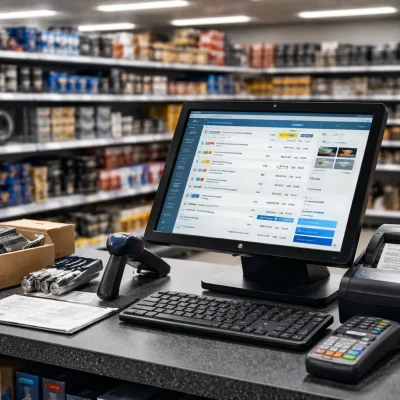
Ever had a cashier accidentally enter the wrong price or forget to apply a discount? It happens. But with a POS system, pricing, tax calculations, and discounts are applied automatically. This means fewer mistakes, more accurate transactions, and a smoother experience for both businesses and customers.

2. Barcode and QR Code Integration for Accuracy

Instead of manually entering product details—which can lead to typos and incorrect charges—modern POS systems use barcode and QR code scanners. Employees simply scan an item, and the system instantly pulls up the correct price and details. This speeds up checkout and eliminates costly billing mistakes.

3. Real-Time Inventory Tracking Prevents Errors

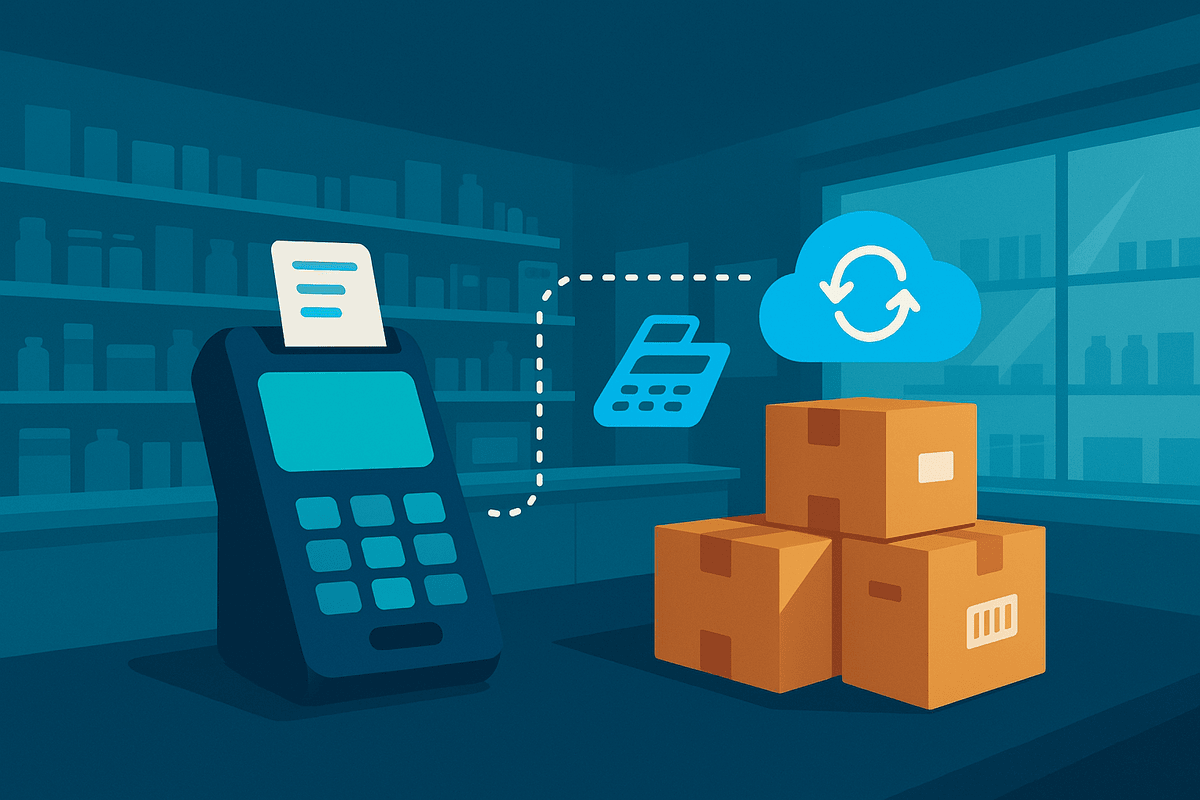
Ever run into a situation where a customer wants to buy something, but the system says it’s out of stock—even though you have plenty on the shelf? Or worse, you accidentally sell an item that’s not available? POS software updates inventory in real time, reducing confusion and preventing these common issues.

4. Increased Security to Prevent Fraud

Billing errors aren’t always innocent mistakes. Sometimes, they result from fraud—like unauthorized price changes or cashiers intentionally undercharging friends. POS systems enhance security by limiting access to pricing adjustments and maintaining detailed transaction logs, helping prevent losses and ensuring accurate billing.

5. Digital Receipts and Easy Transaction Tracking

Paper receipts can get lost or damaged, making it tough for customers to verify purchases or request refunds. With a POS system, businesses can offer digital receipts and keep detailed transaction records. This not only makes life easier for customers but also helps businesses quickly resolve any billing disputes.

6. Automatic Discounts and Pricing Rules

Running promotions or offering discounts to loyal customers? Instead of manually applying them—which can lead to errors—POS systems automatically apply the right discount based on pre-set rules. This keeps pricing consistent and ensures customers get the deals they expect.

7. Faster Transactions, Fewer Mistakes

When employees are rushing through a long line of customers, mistakes happen. A well-optimized POS system speeds up the checkout process, reducing stress and ensuring every transaction is handled accurately. The faster and smoother the process, the happier your customers will be.

Final Thoughts

A reliable POS system is more than just a cash register—it’s a tool that helps businesses prevent billing mistakes, improve customer satisfaction, and streamline operations. Whether you run a retail store, pharmacy, restaurant, or any other business, investing in modern POS software can help you work smarter, not harder.

🚀 Ready to upgrade your business with a OneClick POS system? Contact us today to learn more about how we can help you choose the right solution for your needs!
Leave a Reply

Your email address will not be published. Required fields are marked *

oneClick - Smart POS

Received in clicks, oh graceful flow. Sales made simple, revenue grows.

Category

Latest posts

  • All Posts
  • Auto Parts Billing System
  • Billing & Invoicing Software
  • FBR Integrated Systems
  • Food & Beverage POS
  • Healthcare & Pharmacy Systems
  • Industry-Specific Use Cases
  • POS Software Features & Updates
  • POS Tips, Guides & Best Practices
  • Retail POS Solutions

Tags

Contact Info

Have questions or need support? Reach out anytime. We’re here to help you get the most from oneClick.

Edit Template

About OneClick

One Click POS Software – A fast, user-friendly system for seamless sales, inventory, and customer management with a single click.

About OneClick

Purchase module

Sales Module

accounting

multilocation

Contact Us

OneClick Email

© 2025 Created By Eyecon Consultant

WhatsApp
1
Chat with Us