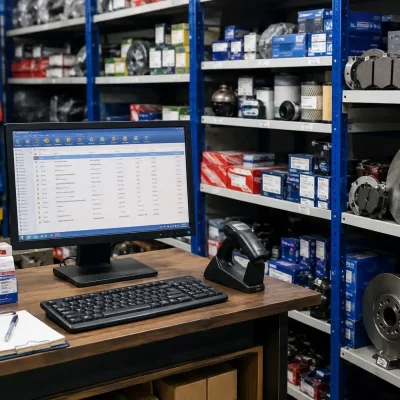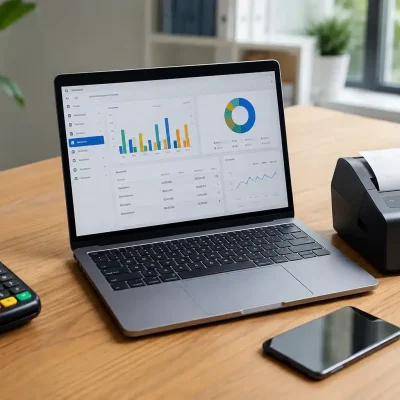
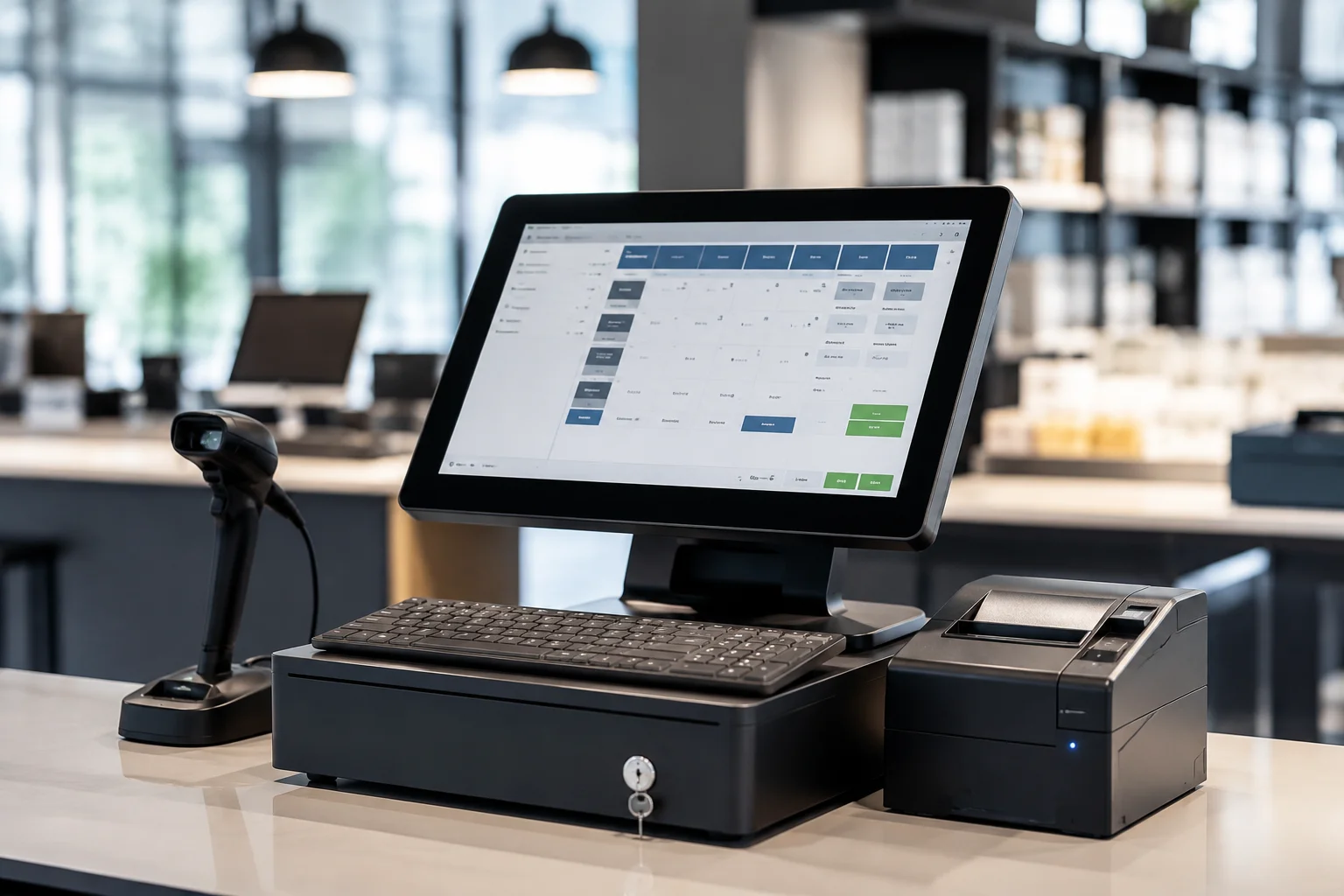
Finding the Best FBR POS Software in Pakistan has become essential for every modern retail business, especially following the implementation of digital invoicing and tax compliance requirements. Today, businesses need more than just a billing system—they need a fully integrated solution that connects sales, inventory, and taxation in real time. As a result, choosing the right POS software is no longer just a technology upgrade; it’s a strategic investment that supports business growth, regulatory compliance, and operational efficiency.
In this comprehensive guide, you’ll discover what FBR-compliant POS software is, why it matters, its essential features, how it works, and the key factors to consider before making your decision. Whether you operate a retail store, restaurant, pharmacy, supermarket, or another type of business, this guide will help you choose a reliable solution that streamlines daily operations, improves accuracy, and keeps your business fully compliant with FBR regulations.
What is FBR POS Software?
FBR POS software is a digital billing and inventory management solution that integrates directly with the Federal Board of Revenue (FBR) to ensure real-time tax compliance. It enables businesses to generate FBR-compliant invoices, automatically report sales transactions, manage inventory, and maintain accurate digital records from a single platform. Unlike traditional billing systems, FBR-integrated POS software simplifies daily operations while reducing manual errors and paperwork. Additionally, it helps retailers, restaurants, pharmacies, supermarkets, and other businesses meet regulatory requirements, improve financial transparency, and make informed decisions through real-time reporting, ultimately enhancing efficiency, customer service, and overall business performance.
Why FBR POS Software is Important
Using an FBR-integrated POS system is no longer optional for many businesses; instead, it has become both a legal requirement and an operational necessity. As digital tax regulations continue to evolve, businesses must adopt solutions that ensure compliance while improving efficiency. Moreover, an FBR-compliant POS system automates invoicing, simplifies inventory management, and reduces the risk of manual errors. As a result, businesses can save time, improve accuracy, and manage operations more effectively.
Some of the key benefits include:
-
Firstly, it ensures real-time tax reporting and FBR compliance.
-
Secondly, it reduces manual billing and accounting errors.
-
In addition, it improves business transparency and record accuracy.
-
Furthermore, it helps businesses avoid penalties and compliance issues.
-
Likewise, it builds customer trust through verified digital invoices.
-
Finally, it streamlines sales, inventory, and financial tracking.
Overall, in today’s competitive retail environment, investing in a smart POS system provides a significant operational advantage. Therefore, businesses can improve productivity, maintain compliance, and position themselves for sustainable growth.
Key Features of FBR POS Software
A high-quality POS system comes with powerful features designed for modern businesses:
- FBR Integration: Direct invoice submission to tax system
- Inventory Management: Track stock in real-time
- Sales Reporting: Daily, weekly, and monthly analytics
- Barcode Scanning: Faster checkout process
- Multi-branch Support: Manage multiple stores easily
- Cloud Backup: Secure data storage online
- User Access Control: Role-based permissions
- Automated Tax Calculation: Accurate GST and sales tax handling
- Offline Mode: Continue billing without internet
These features make it a complete retail management solution.
How FBR POS Software Works
The working process is simple and efficient:
- Customer purchases a product
- Item is scanned or selected in POS system
- System calculates total bill + tax automatically
- Invoice is generated instantly
- Data is sent to FBR system in real time
- Sales record is stored in cloud database
- Business owner can track reports anytime
This seamless flow ensures accuracy and compliance without manual effort.
Step-by-Step Guide to Use FBR POS Software
Step 1: Choose a Certified POS Provider
Select a software that is approved for FBR integration.
Step 2: Install and Setup System
Install POS on your device (desktop, tablet, or cloud system).
Step 3: Add Products & Inventory
Upload product list, pricing, and stock details.
Step 4: Connect with FBR System
Enable digital invoicing and API integration.
Step 5: Train Staff
Ensure employees understand billing and inventory functions.
Step 6: Start Live Billing
Begin generating real-time FBR-compliant invoices.
Benefits of FBR POS Software
Implementing the Best FBR POS Software in Pakistan offers far more than simple billing capabilities. In addition to ensuring compliance with FBR regulations, it helps businesses automate daily operations, improve accuracy, and make informed decisions through real-time data. Moreover, an FBR-integrated POS system enhances productivity while reducing manual effort. As a result, businesses can operate more efficiently, deliver a better customer experience, and achieve sustainable growth. Some of the key benefits include:
- Faster billing and checkout process
- Improved business efficiency
- Real-time tax compliance
- Better inventory control
- Reduced human errors
- Enhanced financial reporting
- Increased customer satisfaction
- Scalability for business growth
Common Mistakes to Avoid
- Choosing non-FBR compliant software
- Ignoring software updates
- Poor staff training
- Not using cloud backup features
- Overlooking inventory management setup
- Selecting low-quality or pirated POS systems
Avoiding these mistakes ensures smooth business operations and compliance.
FAQs
It is a POS system that is directly integrated with FBR for real-time invoicing, tax reporting, and inventory management.
Yes, many retail and commercial businesses in Pakistan are required to use FBR-integrated systems for tax compliance.
Absolutely. Small shops, pharmacies, and restaurants can benefit from easy billing and automated tax features.
Yes, most modern systems support offline billing and sync data once internet is available.
It automatically generates tax reports and submits invoices to FBR, reducing manual filing errors.
Retail stores, supermarkets, restaurants, pharmacies, and wholesale businesses commonly use it.
Yes, cloud-based systems offer better security, accessibility, and real-time reporting.
Look for FBR compliance, ease of use, reporting features, and reliable customer support.
Conclusion
Choosing the Best FBR POS Software in Pakistan is a crucial step for any business aiming to stay compliant, efficient, and competitive. From automated billing to real-time tax reporting, a modern POS system simplifies every aspect of retail management. Moreover, it helps reduce manual errors, improve operational efficiency, and support smarter business decisions. If you’re ready to grow your business, OneClick POS offers a powerful FBR Integrated POS Software in Pakistan designed to simplify billing, inventory management, and real-time sales tracking. Additionally, backed by the expertise of Eyecon Consultant, OneClick POS helps retailers stay tax compliant, improve efficiency, and deliver an exceptional customer experience. Take the next step today and discover how OneClick POS can support your business growth and digital transformation.